


How Context Optimization Makes AI Coding Agents More Efficient
AI coding agents need better context. Selecting, compressing, and retrieving the right information can reduce waste across the entire agent workflow.
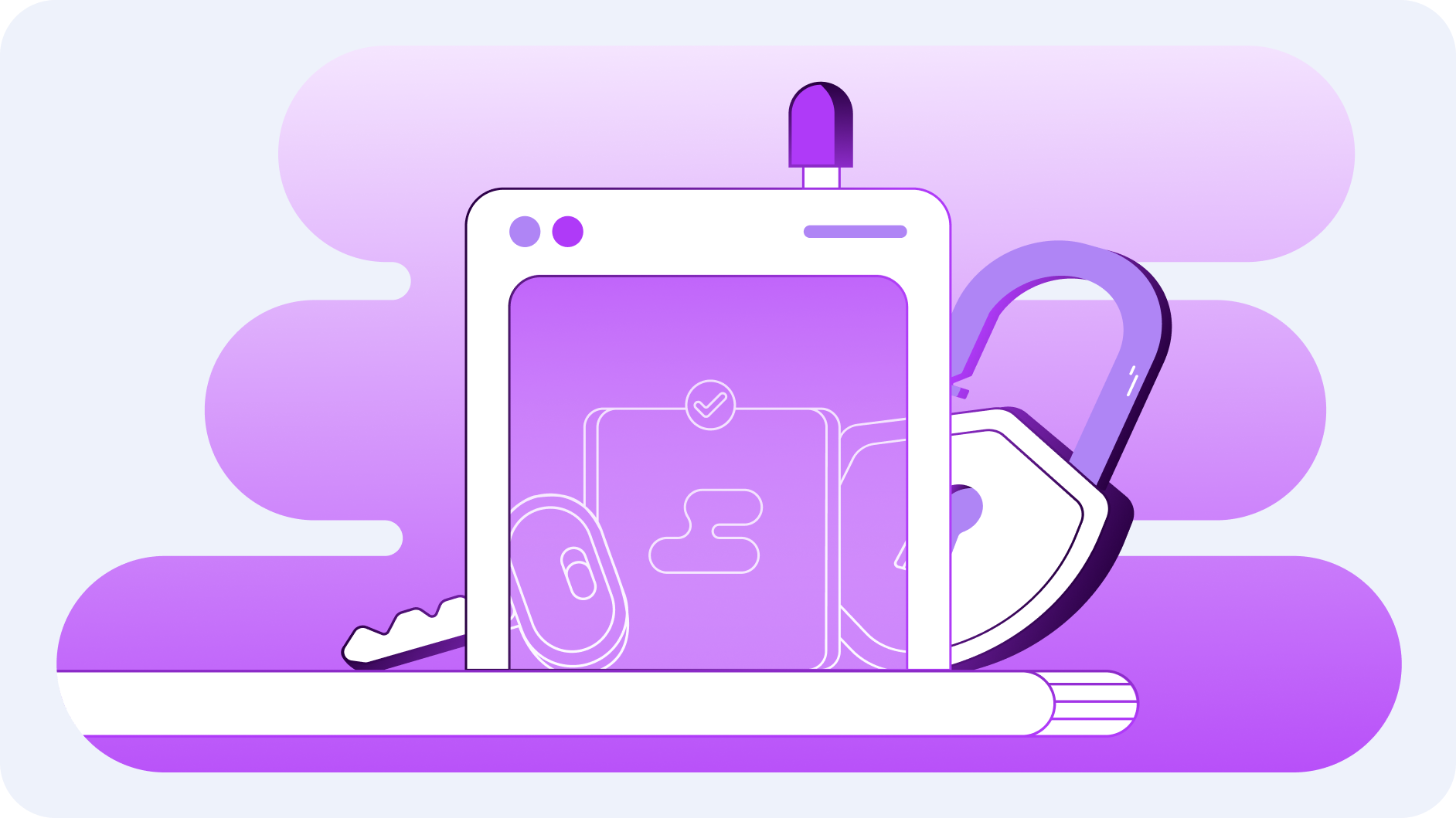




Cloud security is a fundamental component of modern digital operations. It is no longer about reactive measures but about building long-term resilience. This guide highlights seven key strategies, from Multi-Factor Authentication to strategic region selection, designed to harden your cloud environment and ensure continuous compliance.
MFA is your primary defense against unauthorized access. By requiring multiple verification methods, you significantly reduce the risk of compromised credentials.
Action to Take: Mandate MFA across all user authentications. We recommend adaptive authentication, which triggers additional verification layers when unusual behavior, such as logins from unfamiliar locations, is detected.
Billing alerts function as a financial early-warning system. Unusual spending patterns often indicate a security breach or unauthorized use of resources before any other symptoms appear.
Action to Take: Enable billing alerts to detect anomalies early. For advanced protection, integrate machine learning tools that automatically identify cost irregularities in real time to detect and remediate risks early.
Publicly accessible resources are common entry points for cyber threats. Minimizing unnecessary exposure is critical to maintaining a hardened security posture.
Action to Take: Establish strict policies that limit public access to cloud resources. Perform periodic audits to ensure no assets are unintentionally exposed to the internet.
Data protection is the foundation of cloud security. This includes secure storage, encryption, and strictly controlled access levels.
Action to Take: Set clear encryption policies for data at rest and in transit. Regularly audit data-handling processes to align with security standards and prevent unauthorized access.
A WAF acts as a shield for your web applications, inspecting incoming traffic and blocking malicious activity before it reaches your core systems.
Action to Take: Deploy a WAF with rule sets tailored to your specific environment. Update it regularly to block common exploits and prevent unauthorized access attempts.
Continuous auditing provides real-time visibility into your cloud environment. It records every action and alerts your team to potential vulnerabilities before they can be exploited.
Action to Take: Integrate continuous auditing tools into your workflows. Maintain secure audit logs that comply with both organizational and regulatory policies.
Where your data resides affects performance, compliance, and security. Regional choice should align with your specific operational and regulatory frameworks.
Action to Take: Select regions that balance latency with regulatory requirements. Limit workloads to approved regions to enhance visibility and maintain tighter control over your environment.
By adopting these seven practices, you are not just securing your data; you are strengthening long-term resilience. CloudZone helps organizations build resilient cloud infrastructures that stay ahead of tomorrow’s threats.
Misconfigured resources, weak access controls, and a lack of visibility are among the most frequent cloud vulnerabilities.
It provides an essential layer of protection, preventing unauthorized access even when passwords have been compromised.
They flag unexpected spending spikes, which are often the first sign of a compromised account or unauthorized resource use.
A WAF blocks common web-based threats, including SQL injections, cross-site scripting (XSS), and unauthorized access attempts.
By automating log collection and using real-time monitoring tools that provide constant visibility and immediate alerting for any anomalies.
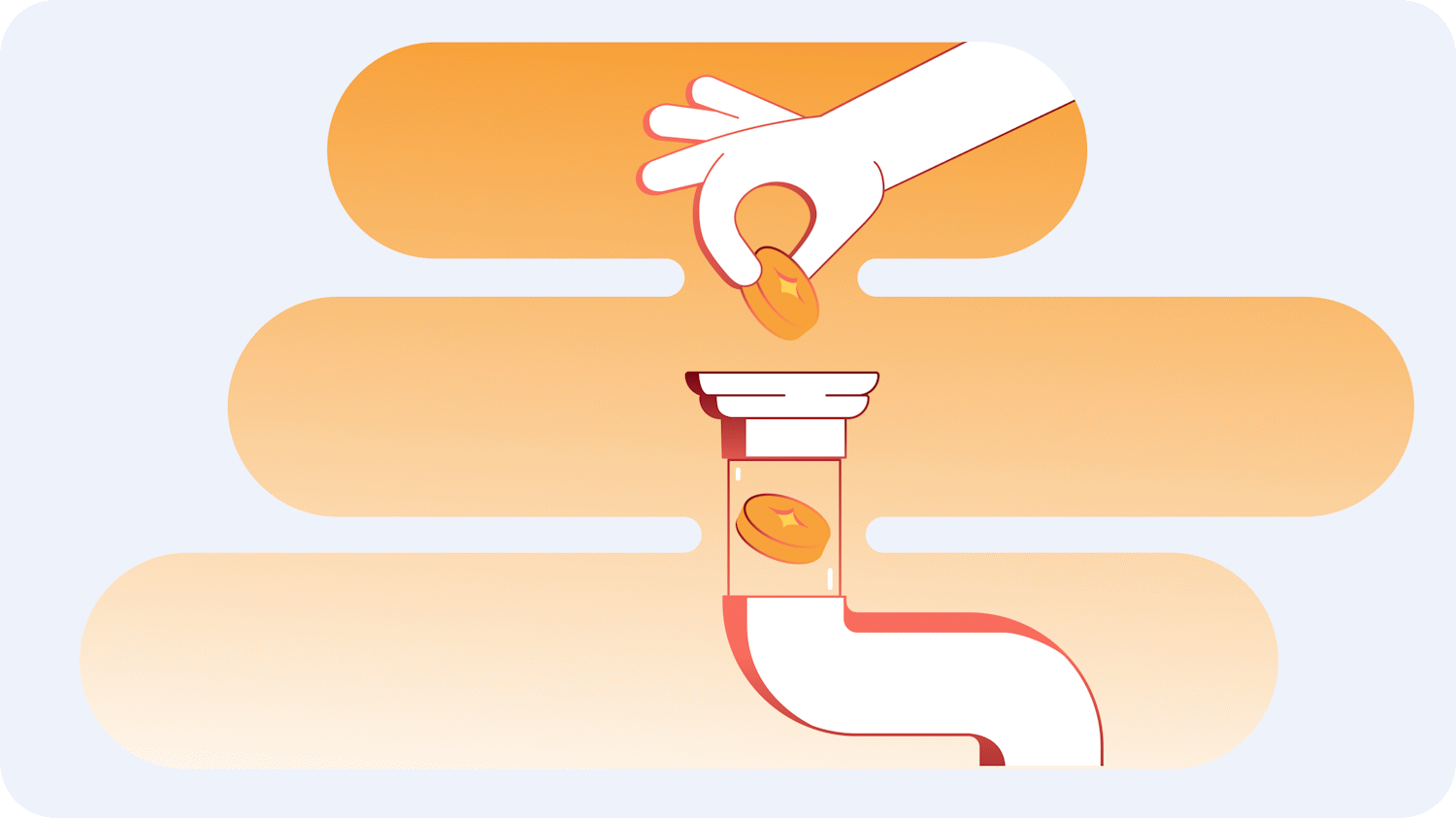

AI coding agents need better context. Selecting, compressing, and retrieving the right information can reduce waste across the entire agent workflow.

Picture a meeting room. Laptops open, screens flickering, everyone with that particular gleam in their eye. The first word in the air isn't "hello," it's "AI." And then comes the moment that always arrives: someone says, with total confidence, "We want ChatGPT. But ours. Now."

.png)